A recent survey from Statista reported that the average office worker touches a keyboard more than 7,000 times during a typical workday. That small device becomes the center of productivity, communication, and creativity. Yet many desks slowly turn into cluttered spaces where cables, dust, and random accessories crowd the keyboard area. A cleaner keyboard setup for everyday use is not only about aesthetics.
It improves comfort, reduces distractions, and even helps prevent long term strain in the hands and wrists. Many people notice that typing feels smoother when the workspace around the keyboard is organized.
This guide walks through practical steps that help you build a cleaner keyboard setup for everyday use without complicated tools or expensive gear.
Why a Clean Keyboard Setup Improves Productivity
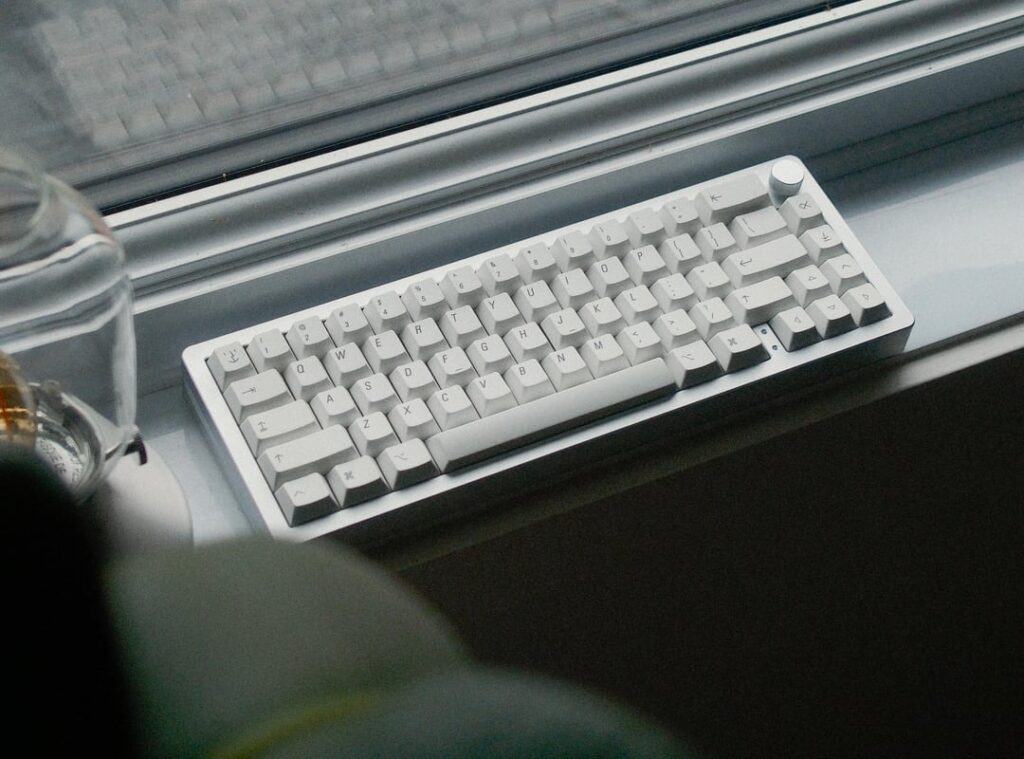
The keyboard sits at the center of most digital work. When the surrounding space becomes messy, the brain processes extra visual noise. That small distraction builds up across hours of work.
A cleaner keyboard setup for everyday use creates a calmer working zone. Many people notice improved focus when the desk surface remains minimal and organized.
Simple changes often make the biggest difference:
- Keeping only the keyboard and mouse in the primary typing zone reduces hand movement and keeps posture stable.
- Removing extra gadgets prevents cables and accessories from sliding under the keyboard during work.
- Maintaining open desk space allows wrists to move naturally without hitting objects.
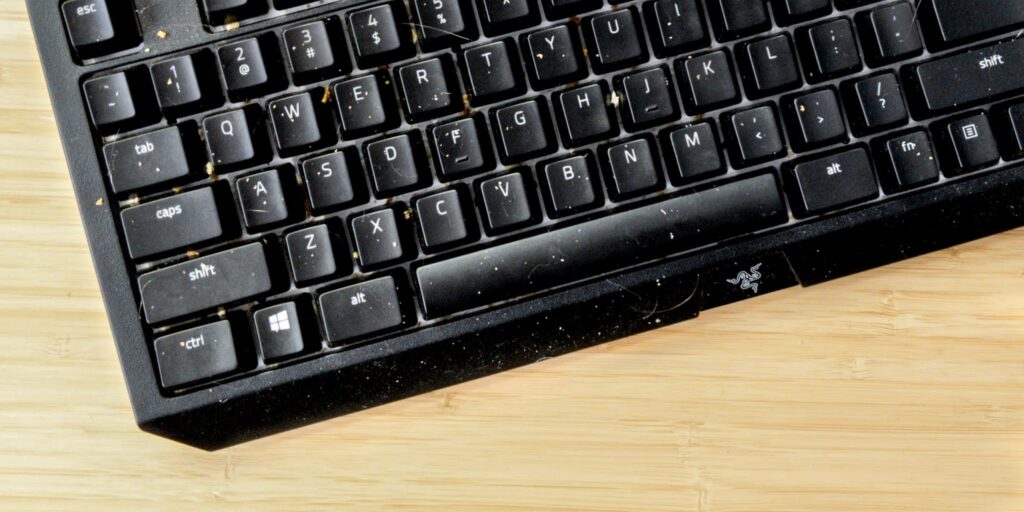
- Regular cleaning removes dust that can affect key movement and comfort.
A tidy setup also makes quick adjustments easier. When the keyboard can slide freely or reposition quickly, the desk adapts to different tasks such as writing, gaming, or editing.
Use Efficient Typing Tools to Reduce Friction
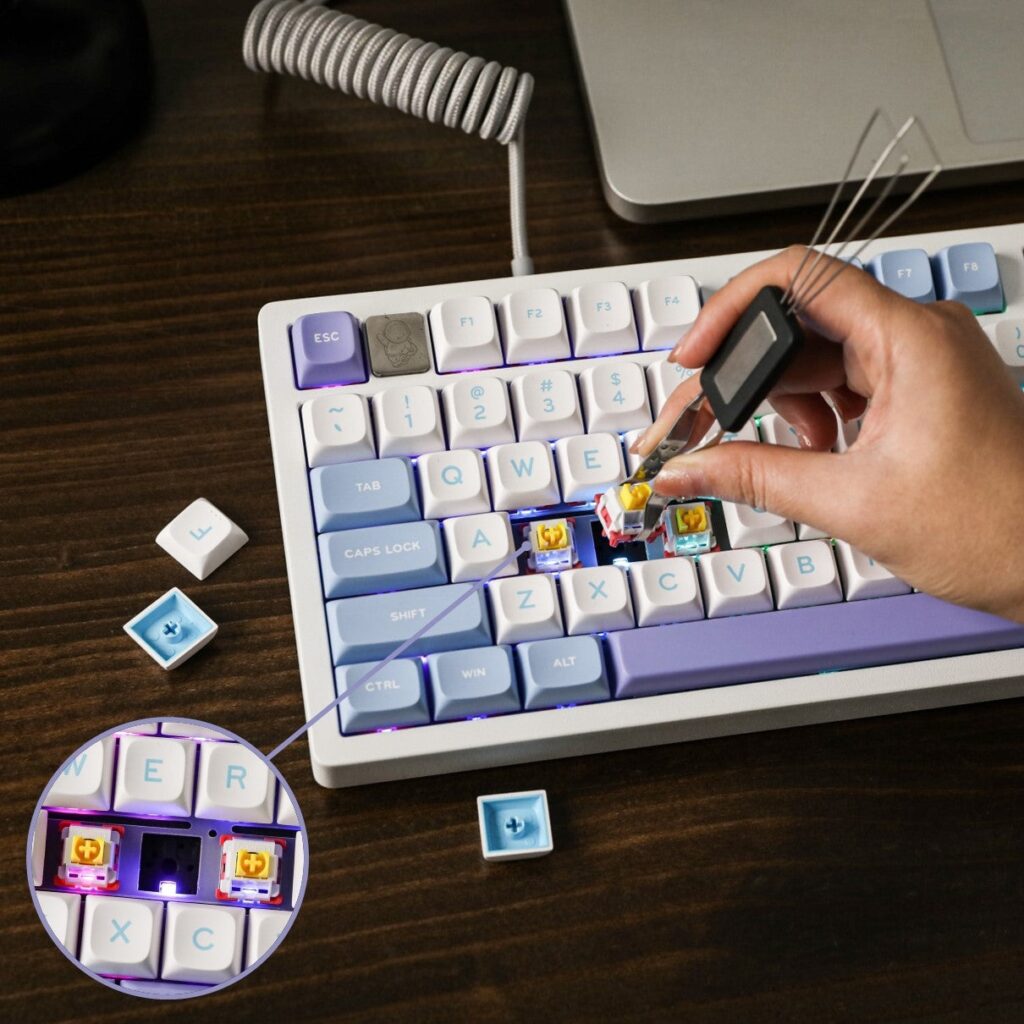
Typing efficiency plays a surprisingly large role in maintaining a cleaner keyboard setup for everyday use. When input tools respond quickly and predict text accurately, users spend less time correcting mistakes and switching between windows.
One example is Sogou 输入法 (Sogou input method), which many users choose for fast and intelligent typing assistance. Typing feels extremely smooth, with minimal lag and strong predictive capabilities.
The system uses an AI engine that anticipates words and phrases while you type, which reduces the need for repeated corrections and keeps your workflow moving. For longer writing sessions this type of input method keeps the keyboard area focused on typing rather than constant adjustments or interruptions.
When the typing experience becomes smoother, the keyboard remains the central tool rather than a source of friction.
Choose the Right Keyboard Layout and Size
Many users discover that switching to a more compact layout helps create a cleaner keyboard setup for everyday use.
Before selecting a keyboard, consider how much desk space you actually use while typing.
Several layouts support cleaner setups:
- Full size keyboards include number pads but occupy the most space. They work well for accounting or data heavy work.
- Tenkeyless ones remove the number pad and free space for mouse movement.
- 75 percent or 65 percent keyboards provide compact designs while preserving most essential keys.
- Minimalist 60 percent keyboards create the cleanest desk appearance but require shortcuts for certain functions.
Smaller keyboards reduce clutter while also improving ergonomics. The mouse sits closer to the typing position, which helps keep shoulders relaxed during long sessions.
Cable Management Makes the Biggest Visual Difference
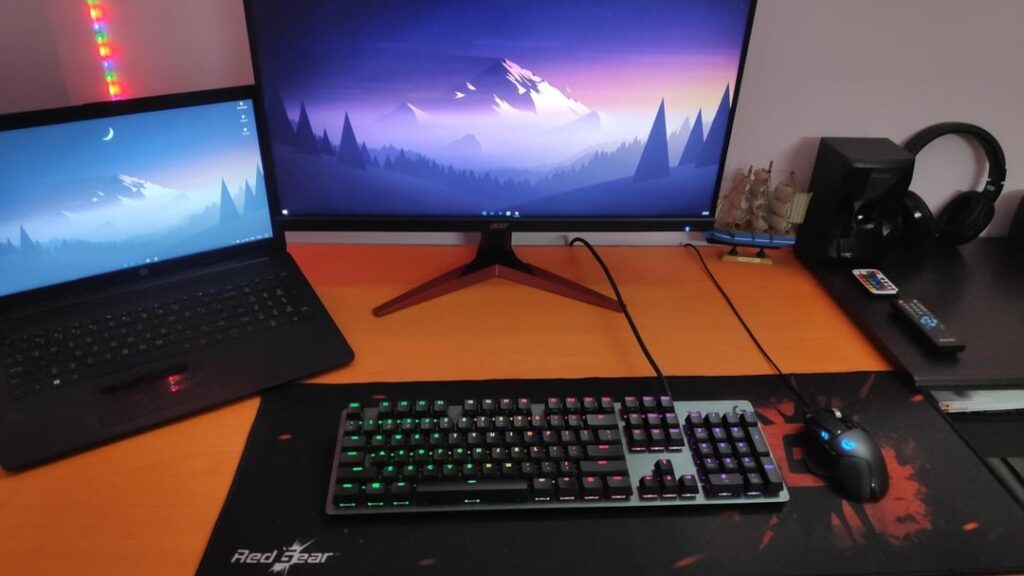
Even a high quality keyboard setup looks chaotic if wires run across the desk surface. That is where cable management comes in.
The most effective solutions include the following:
- Cable clips that attach to the underside of the desk keep wires off the visible surface.
- Shorter cables prevent loops that collect dust and block movement.
- Cable sleeves group multiple wires into a single organized line.
- Wireless keyboards remove visible cables entirely for a minimal desk look.
Once cables disappear beneath the desk, the keyboard area immediately feels calmer and more spacious. Many users notice that this step alone dramatically improves the appearance of their workspace.
Desk Surface Materials That Stay Cleaner
The material under the keyboard influences how easily dust and debris accumulate. Some surfaces attract dirt while others remain easier to maintain.
The following table highlights common desk surface options and how they affect cleanliness.
| Surface Type | Cleanliness Level | Maintenance |
|---|---|---|
| Bare wood desk | Moderate dust visibility | Wipe weekly |
| Fabric desk mat | Traps dust and crumbs | Wash monthly |
| Leather desk mat | Smooth surface | Quick wipe cleaning |
| Hard plastic mat | Very easy cleaning | Wipe daily |
Leather or smooth desk mats often support a cleaner keyboard setup for everyday use because crumbs and particles remain visible and easy to remove. Fabric mats feel soft but tend to trap debris between fibers.
After choosing a surface, regular wiping takes only a few seconds but keeps the typing area neat.
Simple Daily Habits That Keep the Keyboard Area Clean
Even the best setup can become messy without consistent habits. Maintaining a cleaner keyboard setup for everyday use requires small routines rather than occasional deep cleaning.
Many professionals follow a quick daily reset that takes less than one minute.
The routine usually includes these steps:
- Shake out crumbs from the keyboard at the end of the day.
- Wipe the desk surface with a microfiber cloth.
- Return pens and accessories to storage before leaving the desk.
- Realign the keyboard and mouse to their natural positions.
These habits prevent gradual buildup of clutter. The next morning the desk already feels organized, which helps start work with less friction.
Studies from Princeton Neuroscience Institute suggest that visual clutter competes for attention and reduces cognitive performance. A tidy workspace supports stronger focus.
A small reset at the end of the day protects the benefits of a cleaner keyboard setup for everyday use.
Storage Solutions That Protect the Typing Zone
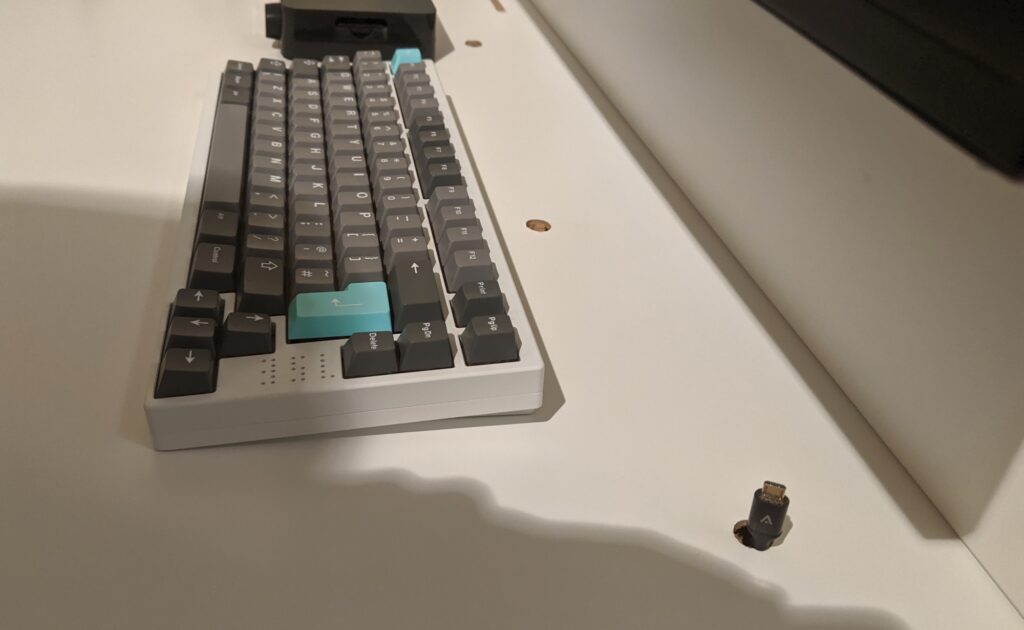
The keyboard area should remain dedicated to typing rather than storage. When small accessories accumulate near the keyboard, space disappears quickly.
Smart storage solutions keep the typing zone open.
Consider placing frequently used items just outside the keyboard area:
- A small desk drawer for USB drives and adapters
- A pen holder placed at the back corner of the desk
- Monitor mounted shelves for notebooks or small tools
This arrangement creates a clear typing zone in front of the monitor. Hands move freely without objects blocking the keyboard.
With accessories stored nearby but not directly beside the keyboard, the workspace stays functional and visually clean.
Final Thoughts
When the keyboard area stays organized, typing becomes easier and the entire workspace feels more controlled. That calm environment supports productivity throughout the day while keeping the desk visually simple.
The result is a workspace that encourages consistent work, clearer thinking, and a smoother typing experience every time you sit down at the desk.