There’s a specific kind of frustration that only frequent business travelers know. You’re in a hotel room in a different city, you have a packed schedule starting in four hours, and you’re hunched over a laptop balanced on a desk that’s the wrong height, squinting at a screen with the brightness maxed out, trying to get work done before the day starts. The gear you brought is fine — it’s just not right.
Building a genuinely good mobile work setup takes more thought than most people give it. It’s not about carrying the most expensive equipment.
It’s about carrying the right combination of things that work together, pack efficiently, and don’t let you down when you’re away from your usual environment. This guide walks through exactly that.
Start with Your Primary Device
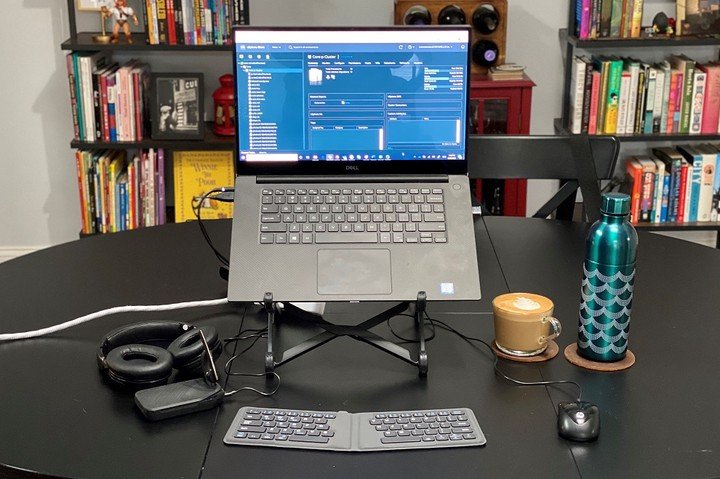
The foundation of any mobile setup is your main computing device, and in 2026, that’s not always a laptop. A growing number of business travelers — particularly those in consulting, sales, marketing, finance, and the creative industries — have shifted to an iPad Pro as their primary travel device.
The case for doing so is straightforward: it’s lighter, the battery genuinely lasts a full working day, cellular connectivity means no hunting for reliable hotel Wi-Fi, and the display quality on the latest iPad Pro is genuinely exceptional. For the majority of business tasks — documents, presentations, spreadsheets, video calls, email — iPadOS handles everything cleanly.
If your work requires specialist desktop software or complex development environments, a laptop is still the right call. But if you can honestly account for your travel workload and most of it fits within what an iPad can do, it’s worth reconsidering what you’re carrying.
Keyboard: The Non-Negotiable
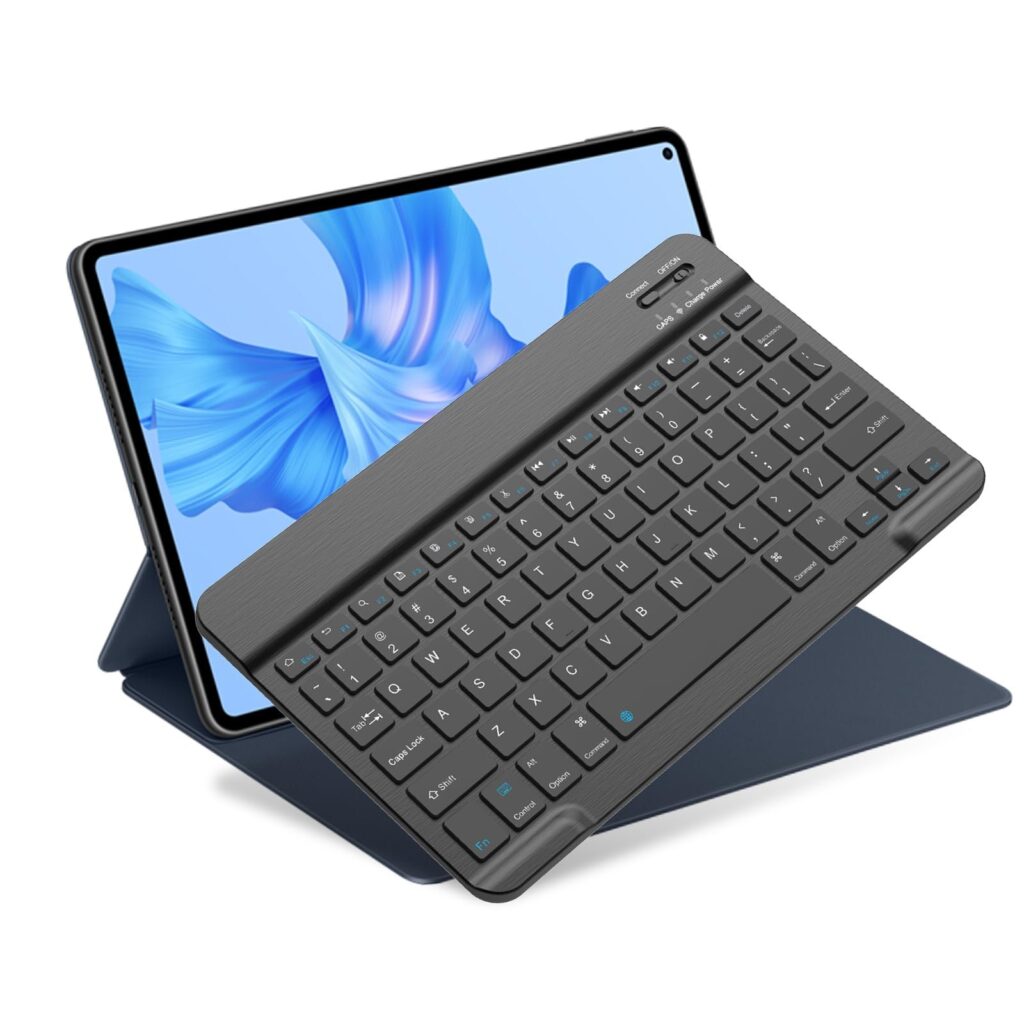
Whatever device you travel with, a good keyboard is the single most impactful upgrade you can make to a mobile setup.
Trying to write a client proposal or sit through a long working session on a glass touchscreen or on a cramped laptop keyboard with no wrist support is a productivity drain.
For iPad users, Apple’s Magic Keyboard for iPad is the gold standard — backlit, well-weighted, with a trackpad that makes the whole experience feel closer to a laptop.
Logitech’s Combo Touch is a popular alternative that adds a function row and comes in at a lower price point. Either way, this is not an area to cut corners.
For laptop travelers, a compact external keyboard can still be worth packing if you’re doing extended typing on the road. It changes your posture, reduces wrist strain, and makes a real difference over a long work session.
Protect Your iPad like the Work Tool It Is
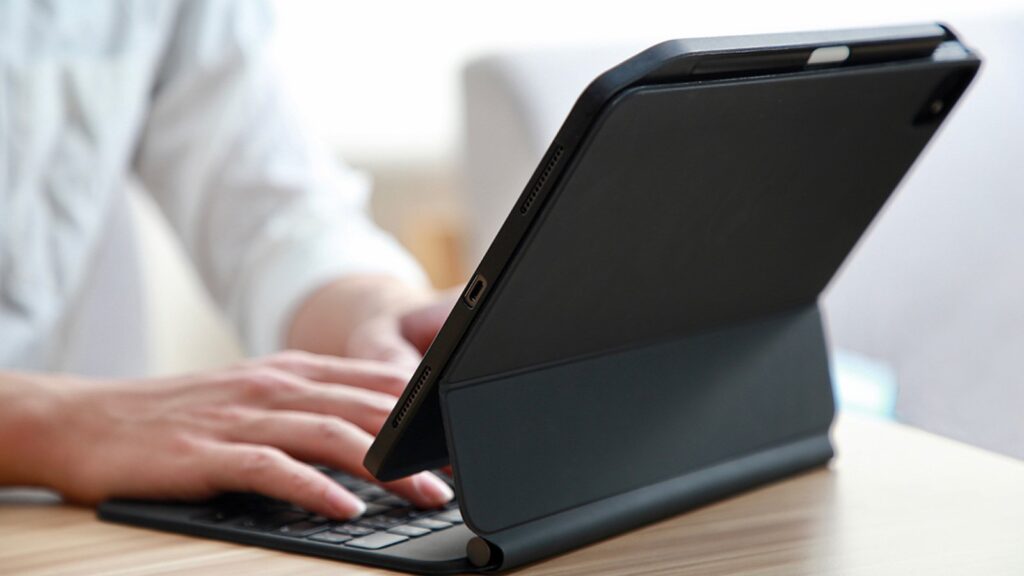
This is where a lot of otherwise well-planned setups fall apart. People spend serious money on an iPad Pro and then put it in a sleeve or a flimsy folio case that offers minimal drop protection and props it at a single fixed angle.
For occasional home use, that’s fine. For business travel — bags being gate-checked, devices bouncing around in overhead bins, rushed mornings in unfamiliar hotels — it’s a risk that doesn’t need to be taken.
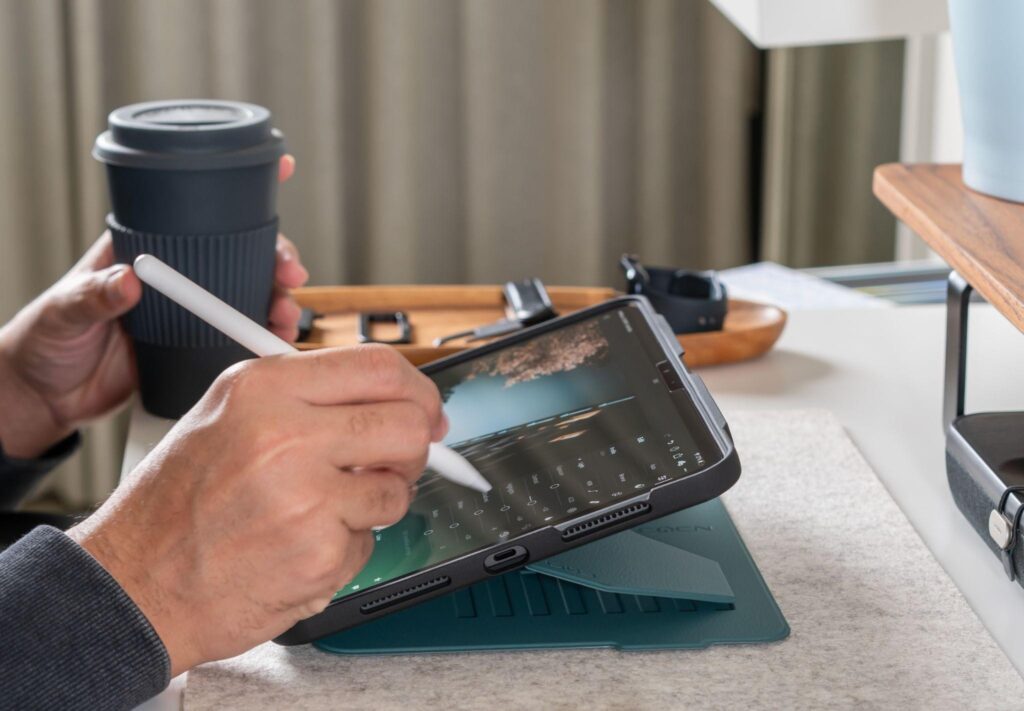
A case purpose-built for professionals makes a tangible difference. The ZUGU iPad case has built a strong reputation among frequent travelers for exactly this reason.
The fiberglass construction handles drops up to five feet — enough to survive the inevitable desk-edge slip or bag fumble — while the magnetic stand system gives you multiple precise viewing angles, which matters more than it sounds when you’re working from a hotel desk, a café table, or an airplane tray.
That adjustability is the difference between working comfortably for two hours and developing a neck ache halfway through a morning of calls.
Being able to prop your iPad at the right height and angle for where you actually are — rather than accepting a single fixed position — is one of those small things that compounds significantly across a week of travel.
A good travel case also doubles as an Apple Pencil holder, keeps the screen protected in transit, and means you’re not treating your primary work device like something fragile. It should take the knocks so the device doesn’t have to.
Audio: Invest Here, Thank Yourself Later
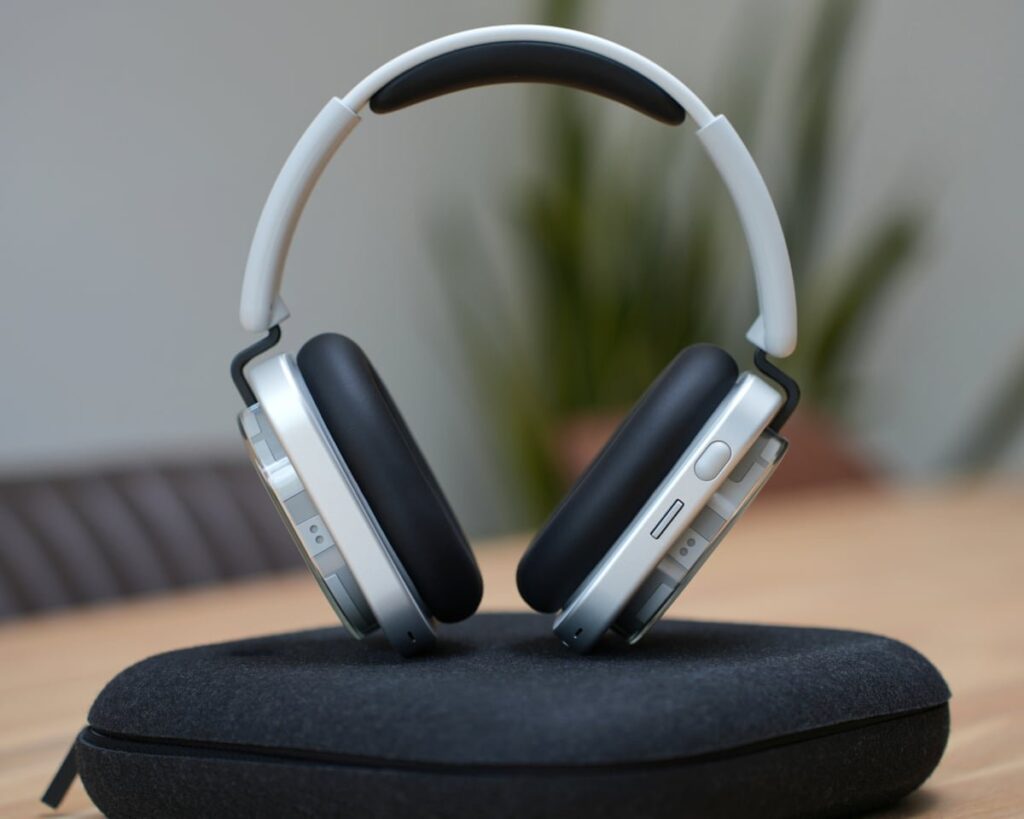
Noise-canceling headphones are not a luxury for business travelers — they’re a productivity tool. The difference between trying to take a client call in a noisy airport lounge with standard earbuds versus active noise cancellation is night and day.
Sony’s WH-1000XM series and Apple’s AirPods Pro remain the benchmarks in their respective categories. The over-ear Sony headphones offer better raw noise cancellation and significantly longer battery life.
AirPods Pro win on size, integration with Apple devices, and the ability to function as both earbuds and a call headset without switching gear.
One often-overlooked consideration: a good wired backup. Airline entertainment systems, hotel conference room setups, and some older meeting room AV equipment still use 3.5mm jacks. A small USB-C to 3.5mm adapter weighs nothing and has saved more than a few business presentations.
Power and Connectivity
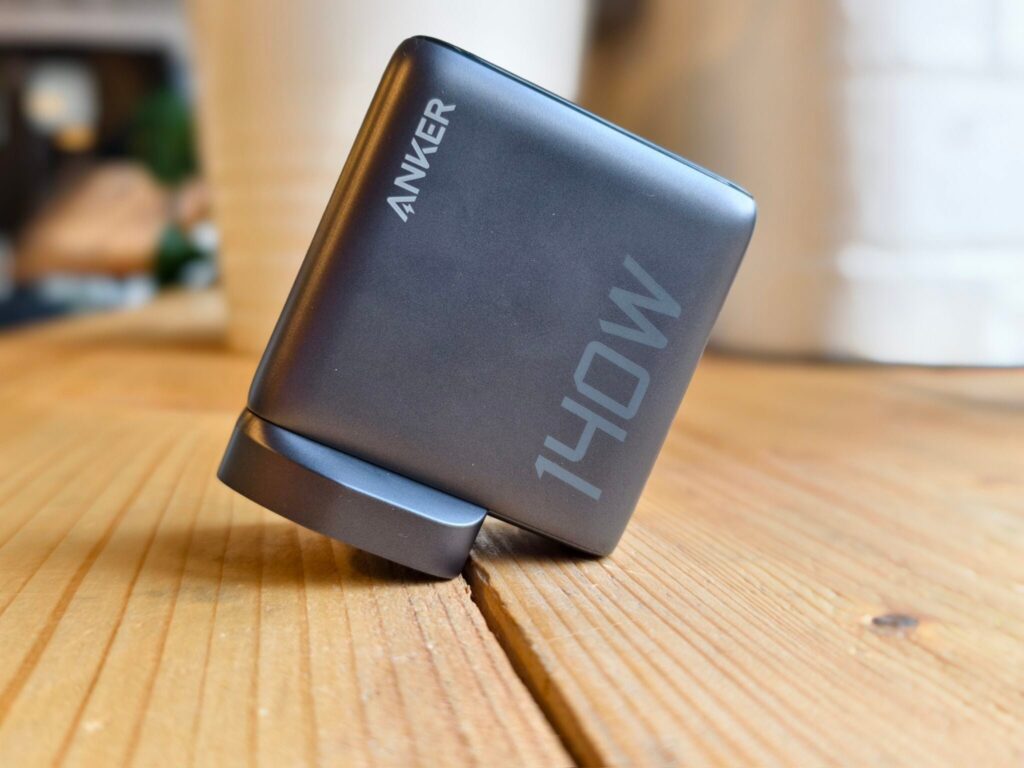
A multi-port GaN charger has become one of the most valuable items in any travel kit. A single compact unit — something like the Anker 65W or 140W models — can simultaneously charge your iPad, laptop, phone, and wireless headphones from one wall socket. In hotel rooms where sockets are scarce and inconveniently placed, this is a genuine quality-of-life improvement.
Pair that with a short braided USB-C cable and a portable battery pack with enough capacity to top up your phone and iPad through a long travel day, and you’ve removed one of the most common sources of travel anxiety: running low on power at the wrong moment.
A travel router is worth considering for anyone who handles sensitive client data on the road. Connecting directly to hotel Wi-Fi carries more risk than most people appreciate.
A compact travel router like the GL.iNet Slate AX lets you create your own secured network in any room — a small precaution that matters if you’re working with confidential files.
The Bag: Where Everything Else Lives
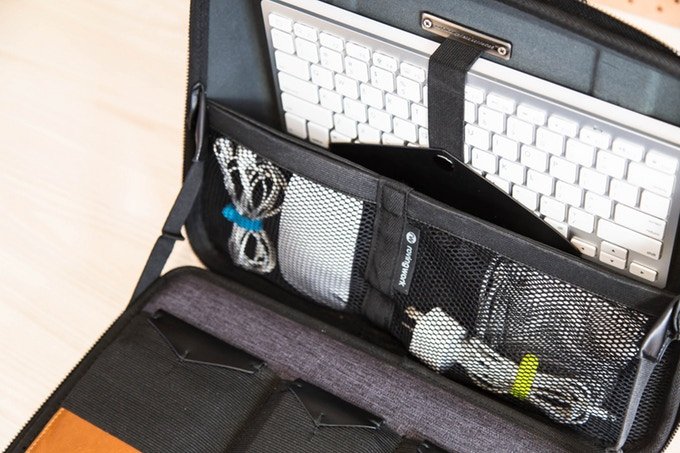
Everything above is undermined by the wrong bag. A mobile work setup needs a bag that protects your gear, fits under an airline seat, has enough organization to avoid constant unpacking at security, and doesn’t look out of place walking into a client meeting.
The Peak Design Travel Backpack and the Knomo series both thread this needle well — structured enough to look professional, functional enough to actually work for travel.
The key specs to look for: a dedicated padded laptop or tablet compartment with external access, a front organizational pocket for cables and accessories, and a trolley sleeve for attaching to roller luggage.
Avoid bags that require full unpacking to find anything, and anything where your laptop or iPad is touching the bottom of the bag with no dedicated compartment.
The Setup That Actually Works
The best mobile work setup is the one that becomes invisible — where you arrive somewhere new, unpack in ten minutes, and get straight to work without thinking about gear. That means fewer, better items rather than more of everything.
Get the device right for your workload. Invest in a keyboard and noise-canceling audio. Protect your tablet properly and make sure it can hold whatever angle you actually need. Solve power before it becomes a problem. And carry it all in a bag that works for the trip, not just the office.
Business travel is already demanding enough. Your setup shouldn’t add to the friction.