Smart home technology has come a long way over the last 20 years. We can do things today that we only imagined way back when. Take geofencing. Combining it with smart home technology can produce some amazing results. Geofencing is one of my favorite features of the smart home concept.
Never heard of geofencing? You should learn about it and see if you can utilize it with your own smart home devices. It could completely revolutionize how you interact with your home.
A Basic Definition of Geofencing
Geofencing gets quite complicated when you dig into all the details. For the purposes of this post, however, a basic definition will do. The simplest definition I found comes from the How-To Geek website:
“Geofencing is when someone (whether it’s you, a company, or something else) uses GPS to establish invisible, virtual boundaries.”
The practice dictates that you use a phone or tablet to create a virtual fence around your property. That fence exists only in your electronic devices. There are no posts in your yard. There are no wires, electric transformers, etc. The fence is a virtual boundary that exists only in the digital realm.
What You Can Do With It
Geofencing relies on Global Positioning Satellite (GPS) data produced by a mobile device. The GPS on your phone keeps track of where the device is at all times. So by combining your phone’s location with geofencing, you can create unique automations within your smart home system.
We can look at some examples to make this clearer. Let’s start by assuming you have a mid-level home automation system from Vivint Home Security. The system includes both automation and security devices. You create a virtual fence that extends for two hundred yards around your property. Now you can start programming routines.
1. Turn Off the Lights, Lock the Doors
Create a routine that turns off the lights and locks the doors once your cell phone leaves the geofence area. Now, think of the implications for your daily routine. With the automation running, you can run out the door and off to work without worrying about the lights or your front door. As soon as you move beyond the 200-yard virtual fence, the routine kicks in. Your home is automatically safe and secure.
By the way, you can reverse the routine as well. When your phone re-enters the geofence area, the lights go back on, and your front door is automatically unlocked. Your home is waiting for you when you arrive at the end of the day.
2. Open and Close the Garage Door
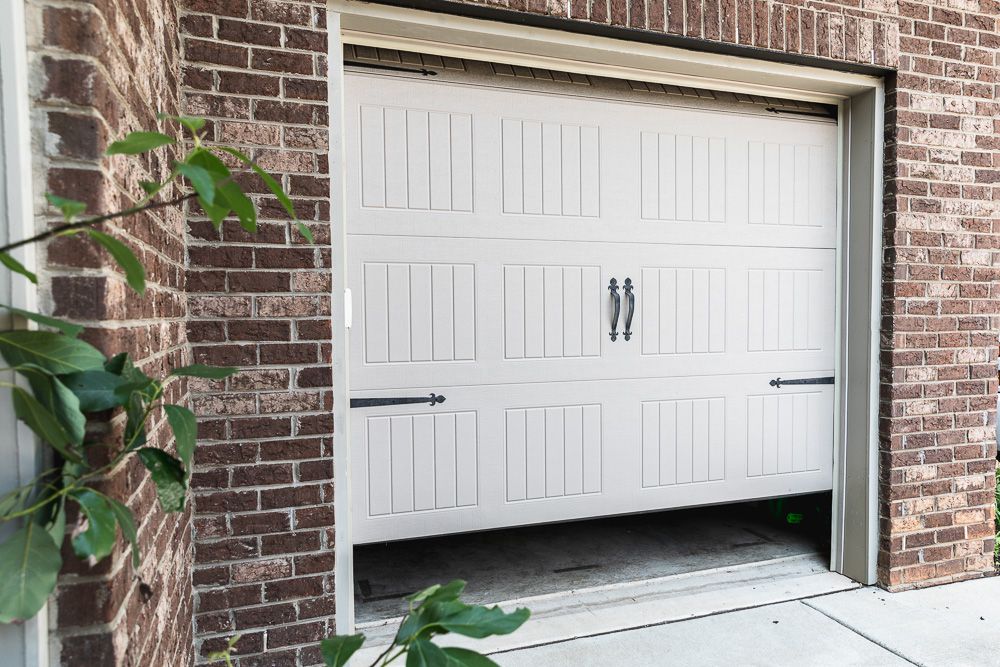
A geofence does not have to extend for hundreds of yards beyond your property. You can make individual geofences of just about any size you like. So make one that surrounds your garage. When you enter the garage, the overhead door automatically opens. Once you leave the garage – whether you step back inside or drive away – the garage door automatically closes.
3. Check for Reminders
Integrate an Amazon or Google smart speaker with your home automation system, and you can create a routine for checking reminders. Maybe you set a reminder to stop at the store for milk on the way home. With an appropriate geofence around your workplace, you can program your system to automatically check for reminders and read them to you as you are leaving the parking lot.
Why You Should Try Geofencing
There are so many things you can do with geofencing that it boggles the mind. Personally, it is one of my favorite smart home features. It really puts the ‘smart’ in my system.